
Introduction
React’s rendering behavior forms the foundation of how UI updates work in modern component-driven applications. Developers often think React re-renders “whenever state changes,” but internally React operates on a much more precise rule: identity comparison. What truly determines whether a component updates is not the content inside a variable, but whether its identity changes.
Understanding this identity-driven model completely transforms how you think about React. It helps you write better code, avoid unnecessary re-renders, understand why your useEffect runs too often, and predict application behavior in complex systems. This blog explains how React compares different data types, how hooks rely on identity, and how React’s internal update flow works.
React’s Core Decision Logic: Object.is()
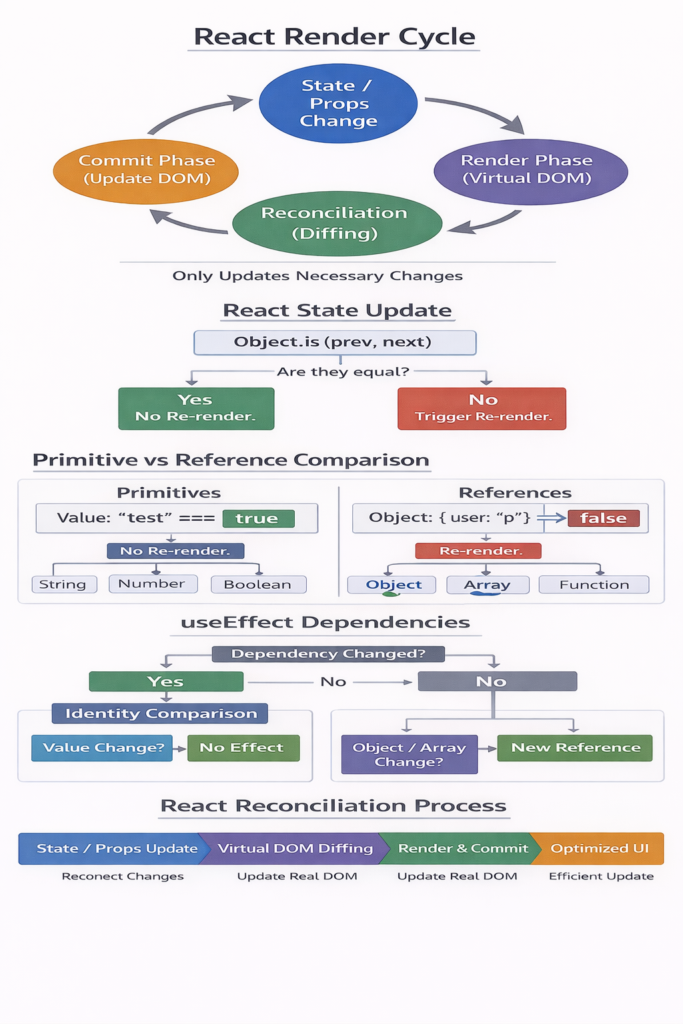
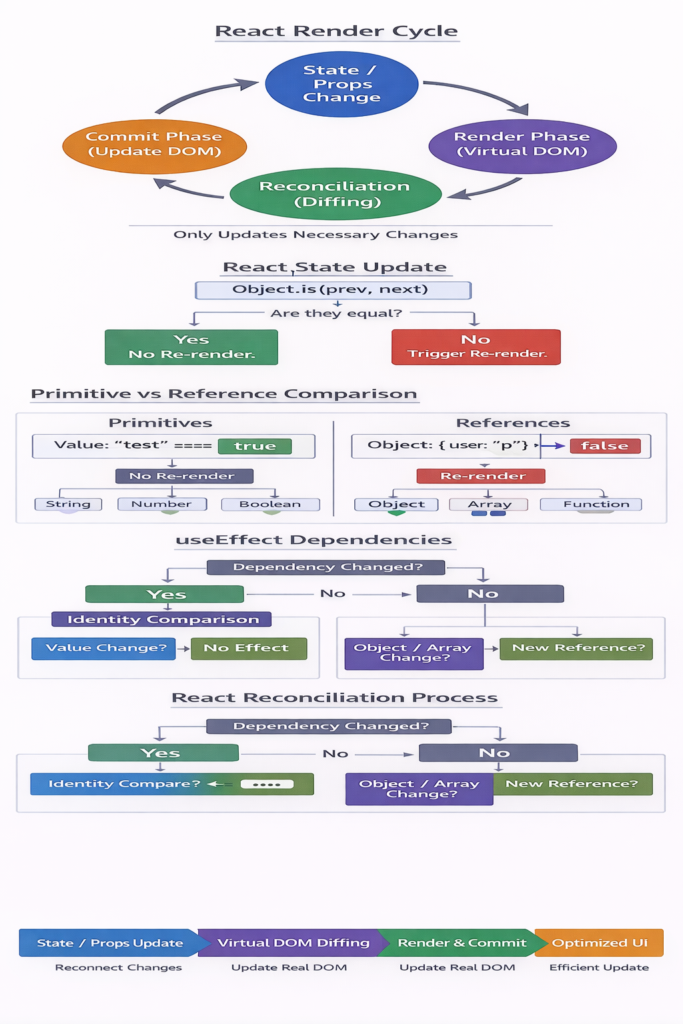
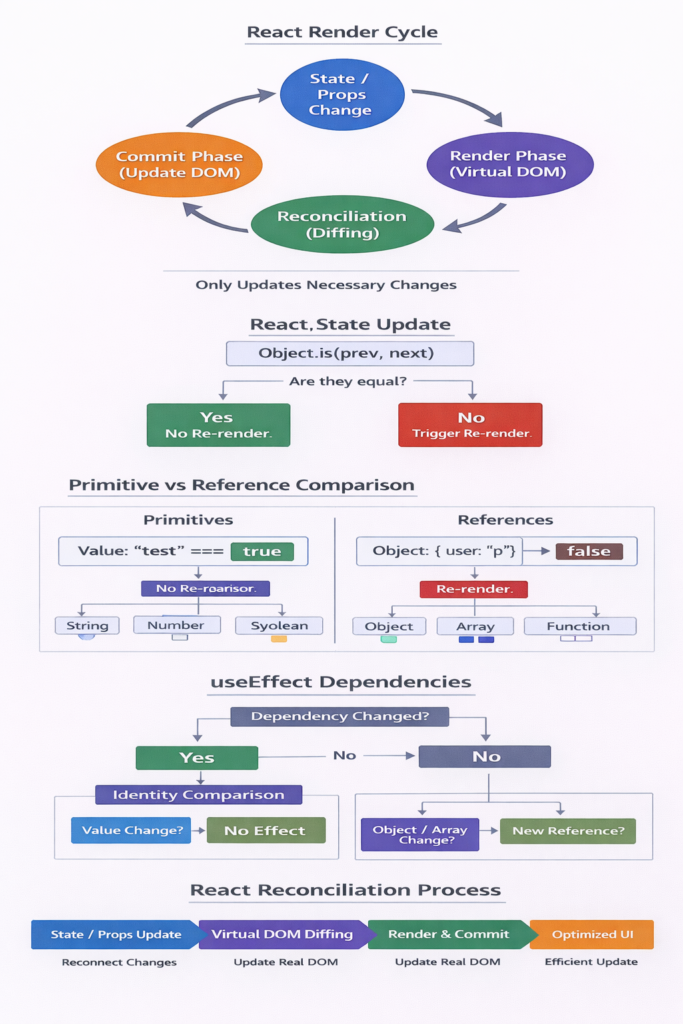
React uses a single rule to determine whether a state update should cause a re-render: Object.is(previousState, newState).
The important part is that React always depends on identity. Even if new and old values appear identical, React will re-render if their identities differ. This makes objects, arrays, and functions behave differently from primitives.
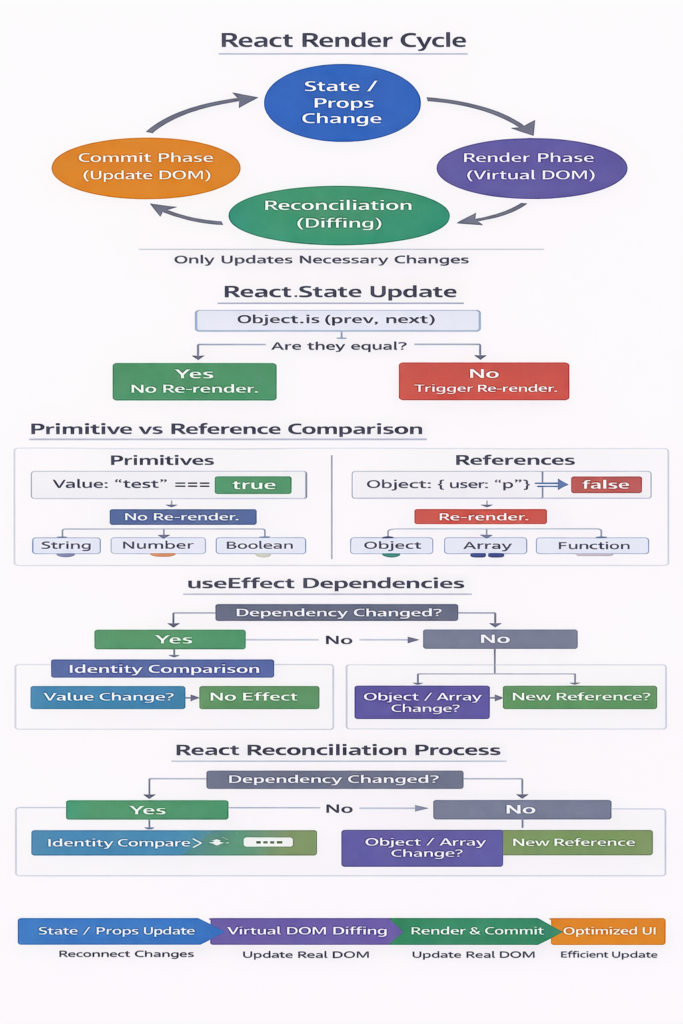
Primitives (string, number, boolean, null, undefined, bigint, symbol) are compared by value. If you update state with the same primitive value, React skips the re-render.
Example:
const [count, setCount] = useState(5);
setCount(5); // skipped
Primitive stability is crucial for performance and predictable rendering.
How React Handles Reference Types
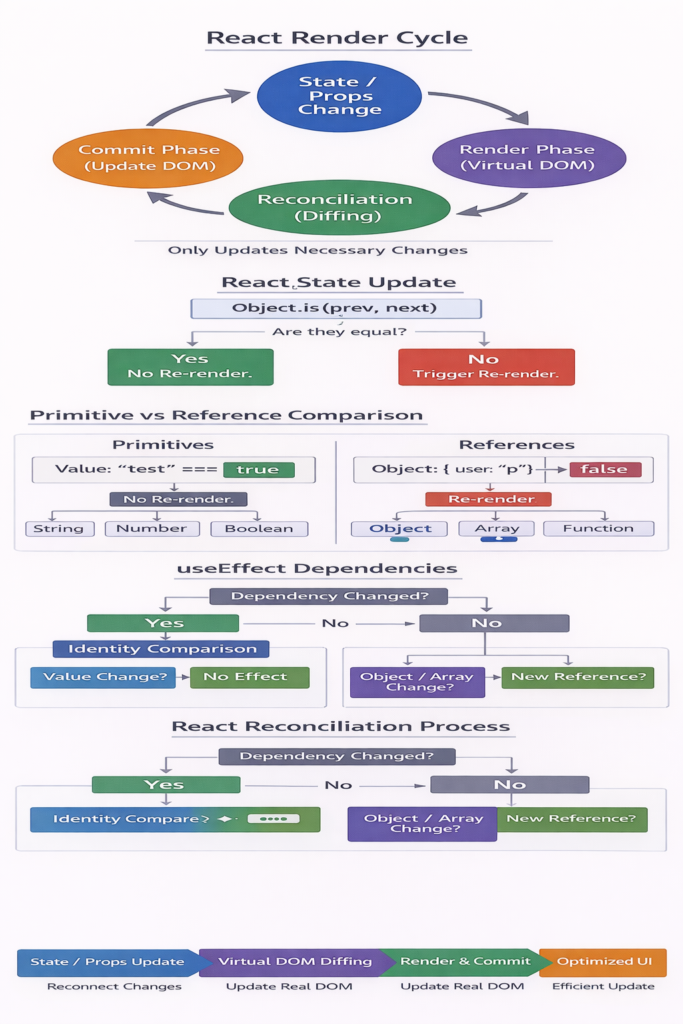
Objects, arrays, and functions are reference types. Even if two objects look identical, they are never equal by identity.
Example:
const [user, setUser] = useState({ name: "A" });
setUser({ name: "A" }); // triggers re-render
Passing inline objects or arrays into props causes children to re-render every time. This is why memoization is essential.
How Hooks Interact With Identity
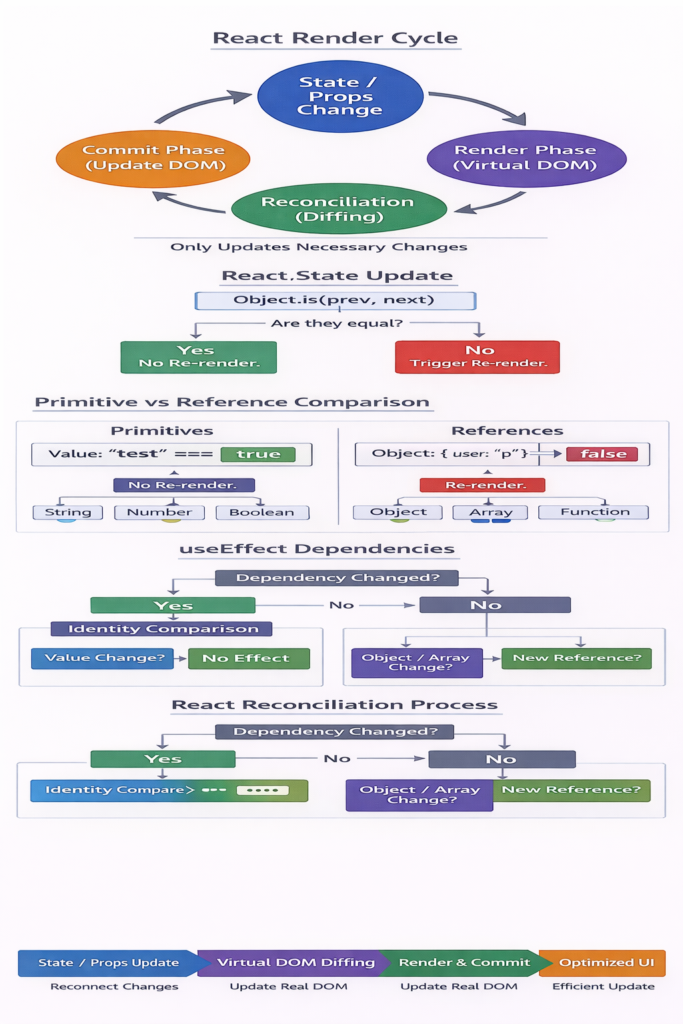
useEffect, useMemo, and useCallback rely heavily on identity comparison. An effect runs again if any dependency has a new identity. Inline objects/functions always produce new identity unless stabilized via memoization.
Real-World Identity Scenarios
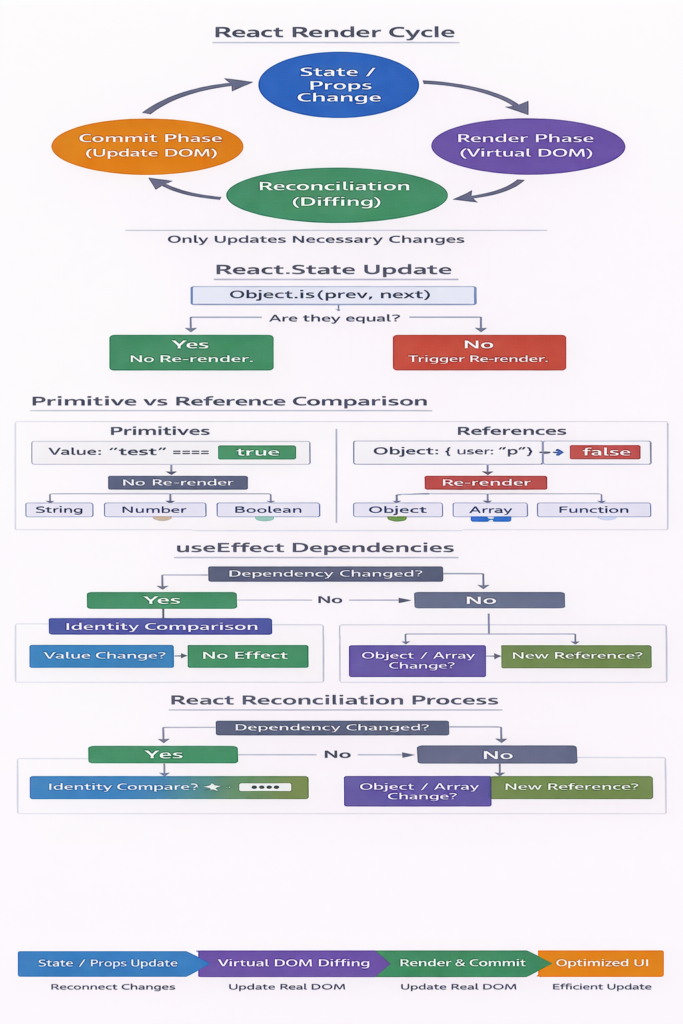
- Same primitive → no re-render
- Same-shaped object → re-render
- Primitive prop → stable
- Object literal prop → unstable
- Arrays always produce new identity
- Functions always produce new identity
- TechContext with object values → massive re-renders
React Internal Update Flow
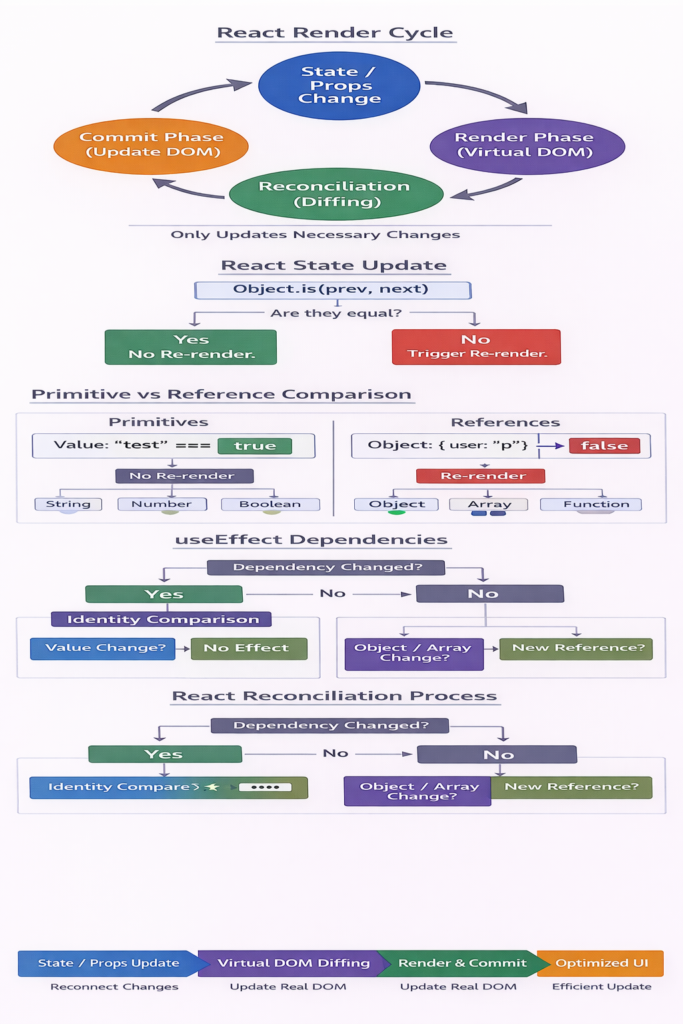
React performs these internal steps during an update:
- Identity comparison
- Skip or schedule update
- Reconciliation (Virtual DOM diffing)
- Commit phase (DOM update)
Identity comparison determines how much work React must do.
Summary
React re-renders only when identity changes. Primitives stay stable. Objects, arrays, and functions change identity frequently. This explains most unexpected renders in React.
Always ask:
That question explains most React behavior.
const [count, setCount] = useState(5);
setCount(5); // No re-render due to same primitive

const [count, setCount] = useState(5);
setCount(5); // No re-render due to same primitive