
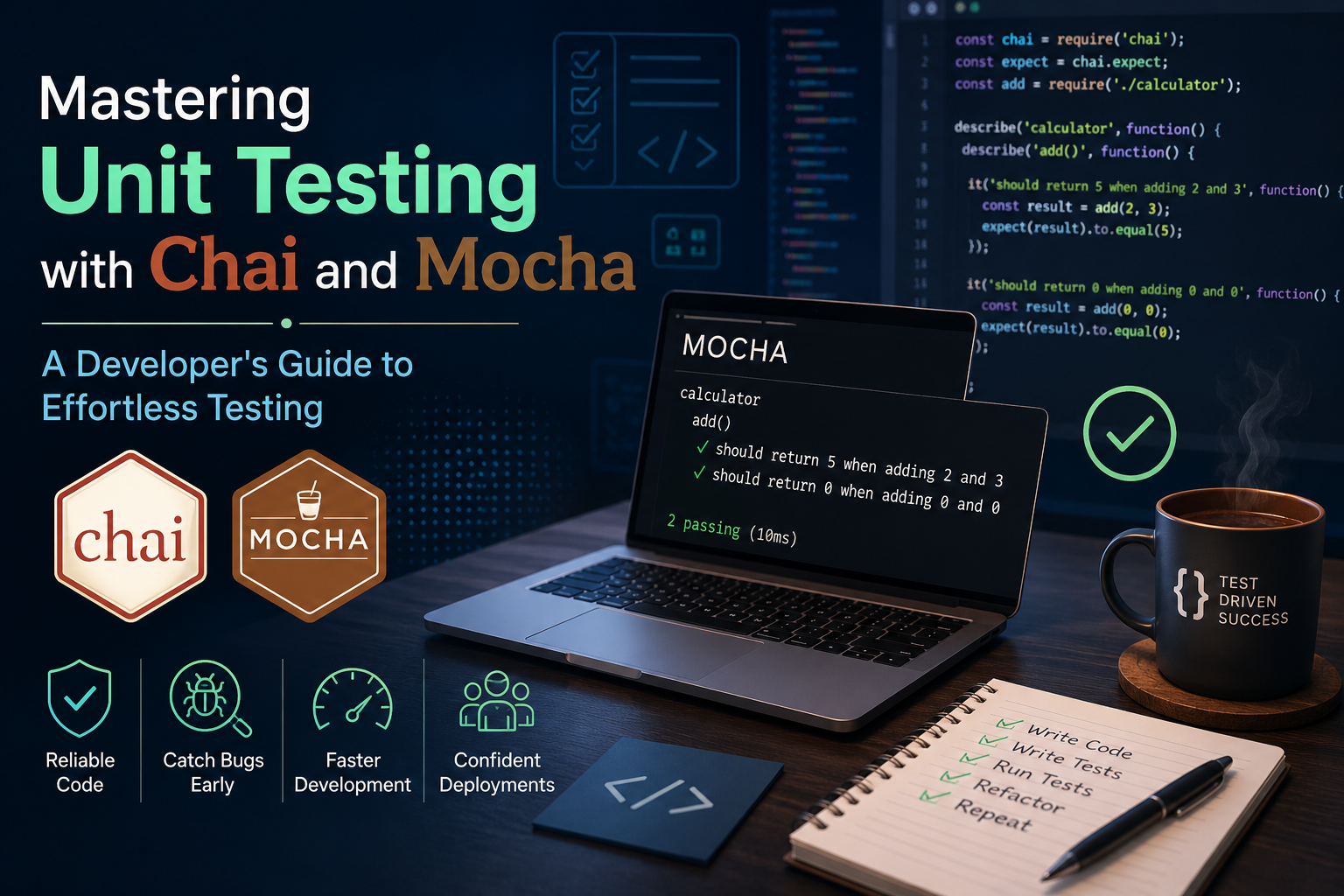
Introduction
In the world of modern software development, writing clean, maintainable code is only half the battle. The other half? Ensuring your code works flawlessly, now and in the future. This is where unit testing comes in—a critical practice that helps you verify individual components of your application before they get tangled in the complexities of integration. But let’s face it, writing tests can sometimes feel like a chore.
So, how do you make unit testing not just bearable, but enjoyable and effective? The answer lies in Mocha and Chai, two powerful and elegant tools that make testing a breeze.
Let’s dive deep into how these two frameworks work together, and how you, as a developer, can harness their power to write clean, readable, and reliable tests.
What is Chai and Mocha?
Before we get into the magic, let’s define what Mocha and Chai are and why they’re the perfect duo for unit testing.
- Mocha: Mocha is a feature-rich JavaScript testing framework that runs on Node.js. It provides a flexible, modular testing structure and supports asynchronous testing, making it ideal for testing complex applications that rely on callbacks or promises.
- Chai: Chai is an assertion library that you can use with Mocha. Assertions are expressions that check if the result of your code matches the expected outcome. Chai offers a variety of assertion styles: expect, should, and assert. This allows you to choose the style that best suits your preferences and coding style.
Together, Mocha and Chai give you everything you need to write robust, readable, and effective unit tests.
Why Use Chai and Mocha for Unit Testing?
Mocha and Chai are two of the most popular testing libraries in the JavaScript ecosystem. They provide developers with a flexible, powerful, and user-friendly way to write and run unit tests. Here’s a detailed look at why using Mocha and Chai can be a game-changer for your development process.
Benefits of Using Mocha
1. Flexible and Feature-Rich
- Mocha supports both Behaviour-Driven Development (BDD) and Test-Driven Development (TDD) testing styles.
- It works seamlessly with various assertion libraries, including Chai, making it highly adaptable to different testing needs.
2. Asynchronous Testing Support
- Mocha excels at handling asynchronous code, making it perfect for modern JavaScript applications that rely heavily on asynchronous operations like API calls and database interactions.
3. Powerful Reporting and Readability
- Mocha comes with detailed test reports and support for custom reporters, allowing developers to track test results clearly and debug issues quickly.
4. Modular and Scalable
- Mocha’s modular structure supports hooks like before(), after(), beforeEach(), and afterEach() to set up and tear down environments efficiently. This helps keep test suites well-organized and scalable.
5. Cross-Environment Compatibility
- It runs on both Node.js and browsers, making it suitable for backend and frontend applications.
Benefits of Using Chai
1. Multiple Assertion Styles
-
Chai supports three assertion styles:
- Expect Style: expect(value).to.equal(expected) (readable and intuitive)
- Should Style: value.should.equal(expected) (more fluent and BDD-like)
- Assert Style: assert.equal(value, expected) (classic, straightforward)
This flexibility allows developers to choose the style that best fits their coding preferences.
2. Readable and Expressive Syntax
- Chai’s assertion syntax is human-readable and descriptive, making test cases self-documenting and easy to understand.
3. Built-In Plugins and Extensibility
- Chai supports many plugins like chai-as-promised (for testing promises) and chai-http (for HTTP API testing). You can also create custom plugins to extend its functionality.
4. Error Reporting and Debugging
- Chai’s detailed error messages help developers quickly identify the cause of test failures, reducing debugging time.
Setting Up Mocha and Chai
Before we jump into writing tests, let’s get our environment set up.
1. Install Mocha and Chai
First, you need to install Mocha and Chai using npm. In your project folder, run:
2. Creating a Test Directory
In your project’s root directory, create a folder named test:
This folder will house all your test files.
3. Add Test Script
Open the package.json file and change the scripts block to mocha as seen in the code below:
With our script set up to run tests the use of Mocha, the following step is to create a test folder within the root listing of your assignment. Once that’s accomplished, walking tests turns into trustworthy. Just execute the following command in your terminal:
Writing Test Case Example with Mocha and Chai
Let’s write a basic unit test to understand it better.
Let’s say you have a simple function in your Calculator.js file. That adds two numbers:
Now, let’s write a unit test for this function in a test/calculator.test.js file:
Understanding the Structure
- describe(): This function defines the test suite. It groups tests that share a common setup. In this case, we’re testing the add function, so we group all the tests for add() under a describe block.
- it(): This defines a single check. Inside the it() block, you describe what the test is doing, along with “ought to return 5 whilst adding 2 and three.”
- expect(): This is Chai’s assertion syntax. It allows you to declare what you expect on the output of your function to be. In this example, we’re looking forward to the end result of add(2, three) to same 5.
Running our test cases using npm test command and you should see something like this:
Congratulations! You’ve written your first unit test with Mocha and Chai.
Key Advantages for Developers
1. Improved Code Quality:
Tests ensure that bugs are caught early, leading to more reliable and stable applications.
2. Faster Development Cycle:
Automated tests reduce the need for manual testing, speeding up the development process.
3. Reduced Debugging Time:
Meaningful error messages and reports help locate bugs quickly.
4. Increased Confidence in Deployments:
Comprehensive test coverage ensures that new features or updates don’t break existing functionality.
5. Better Collaboration:
Clearly written tests serve as documentation, helping team members understand the intended behaviour of the application.
Conclusion
By integrating Mocha and Chai into your development pipeline. You get a robust testing environment that promotes clean, reliable, and maintainable code. Ease of use, flexibility, and compatibility with a wide range of libraries and tools. This makes it a solution for JavaScript developers who do serious testing.
Whether you’re building a Node.js API, testing React components, or validating complex business logic, Mocha and Chai offer the perfect combination to deliver high-quality applications with confidence.