
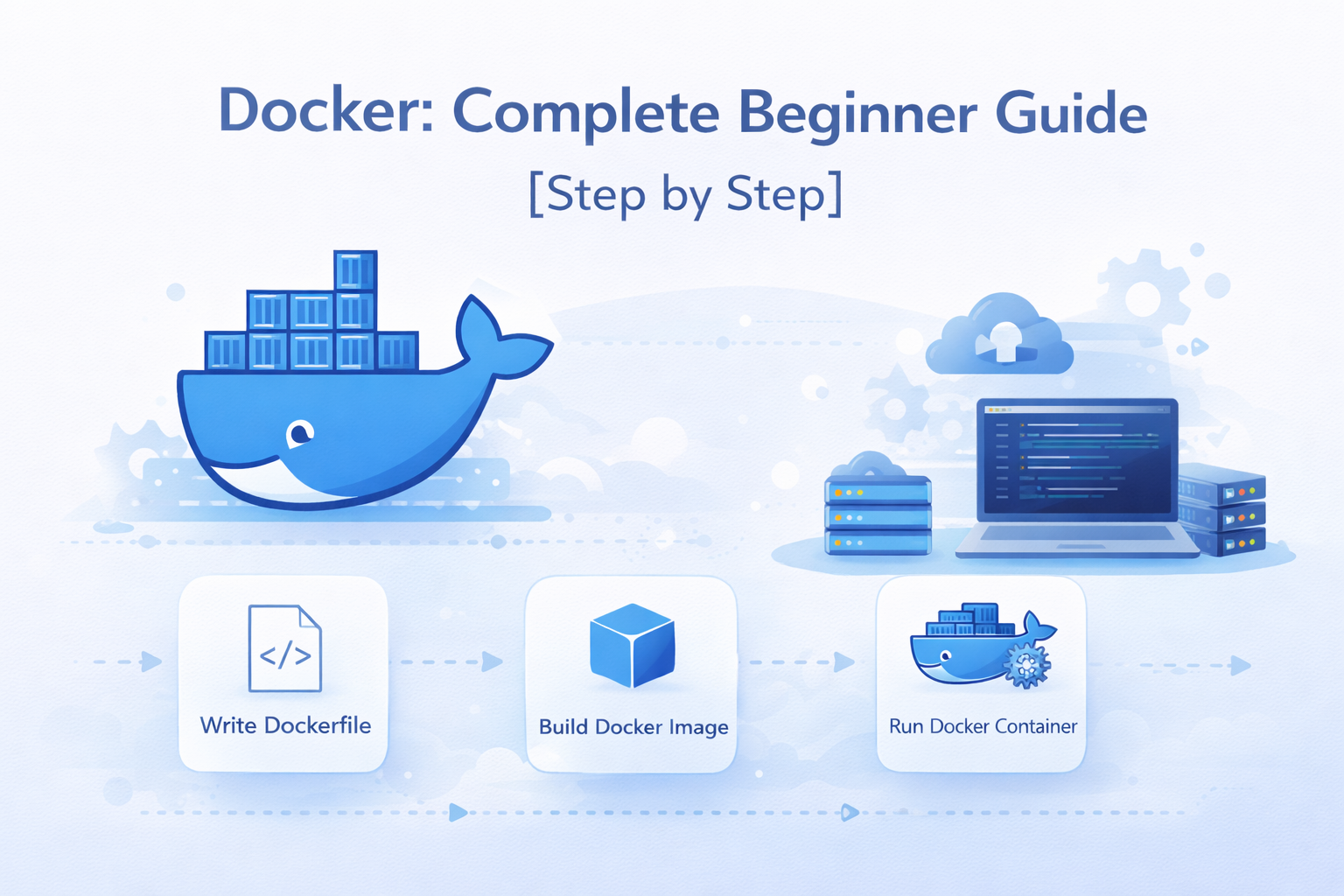
Overview (Short Introduction)
Docker is a tool that helps developers build, run, and deploy applications easily. It makes sure your application works the same on every machine.
Simple words:
“Docker creates a portable environment that allows applications to run seamlessly across different systems.”
What is Docker?
Docker is an open-source containerization platform that helps you build, package, ship and run applications anywhere—your laptop, a server, or the cloud—without changing the code.
Docker puts your app and everything it needs into one box (container) and runs it the same everywhere.
It packages:
- Application code
- Libraries
- Dependencies
- Configuration files
into one unit called a container.
Container = App + Everything it needs
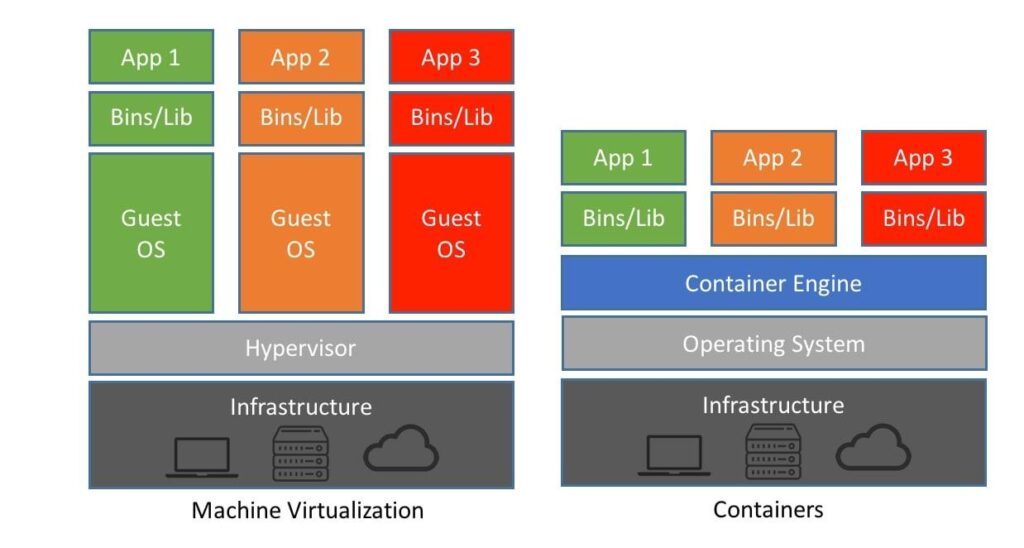
What Exactly Is a Container?
A container is a lightweight, isolated environment that contains everything an application needs to run properly, such as:
- Your application code
- Runtime (Node, Java, Python, etc.)
- Libraries & dependencies
- Environment settings
Containers share the host OS kernel, so they are fast and lightweight.
Main Parts of Docker (Understand This Well)
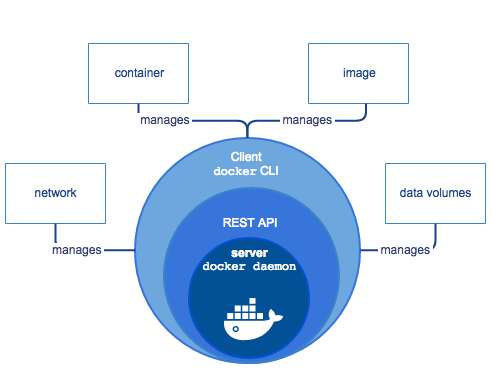
- Docker Engine
The core service that runs Docker commands and containers. - Docker Image
A blueprint (read-only) used to create containers.
Example: node:18, nginx, mysql - Docker Container
A running instance of an image.
Image = Class
Container = Object - Docker file
A text file with instructions to build an image.
- Docker Hub
Online registry to store & download images.
Example:-

Why Docker is Used?
Before Docker:
- App runs on developer machine ❌
- Fails on server due to missing libraries ❌
- Different OS / versions cause errors ❌
With Docker:
- Same container runs on any machine ✅
- Ensures the application behaves the same everywhere ✅
Problems Docker Solves:
- “It works on my machine” issue
- Dependency conflict
- Manual setup on servers
Benefits:
- Same environment everywhere
- Faster deployment
- Easy scaling
- Lightweight compared to Virtual Machines
When & Where Docker is Used?
When to use Docker?
- When you want consistent environments
- When working in a team
- For microservices
- For CI/CD pipelines
Where Docker is used?
- Web applications (React, Node, NestJS)
- Microservices architecture
- Development machines
- CI/CD pipelines
- Cloud deployments (AWS, Azure, GCP)
- Testing & staging environments
How Docker Works (Simple Flow)
Conclusion
Docker is not just a tool—it is a powerful platform that standardizes how applications are built, shipped, and deployed.
By packaging the application code along with its dependencies, runtime, and configuration into containers, Docker eliminates environment-related issues and ensures consistency across development, testing, and production systems.
Understanding Docker concepts like:
- Docker Engine
- Docker Images
- Containers
- Dockerfile
- Docker Hub
is essential before moving to practical implementation.
In the next part, we will install Docker, write our first Dockerfile, build an image, and run a real application inside a container to see Docker in action.
Stay tuned for Part 2: Docker Installation and Hands-on Example 🚀