

Overview / Introduction
FlutterFlow is a powerful low-code development platform built on top of Google’s Flutter framework. It allows developers and non-developers to design, build, and deploy fully functional mobile and web applications visually, without writing extensive code.
In today’s fast-paced development environment, businesses require rapid prototyping, faster deployment, and scalable solutions. FlutterFlow addresses these needs by combining visual UI design, backend integration, and code export capabilities into a single platform.
It is especially useful for:
- Startups building MVPs quickly
- Developers wanting to speed up UI development
- Businesses needing cost-effective solutions
- Designers transitioning into app development
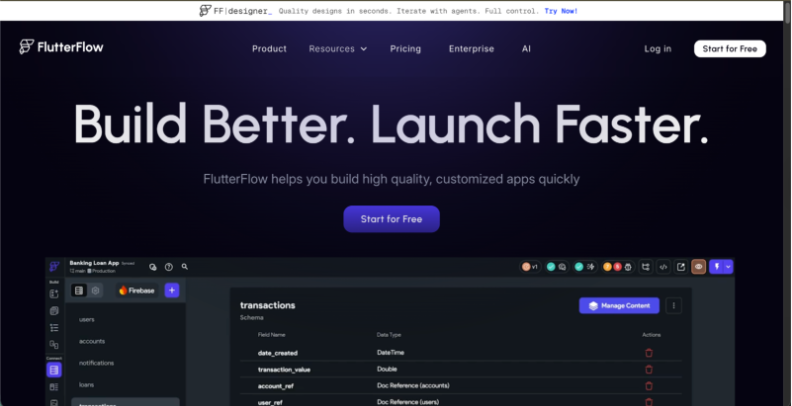
What is FlutterFlow?
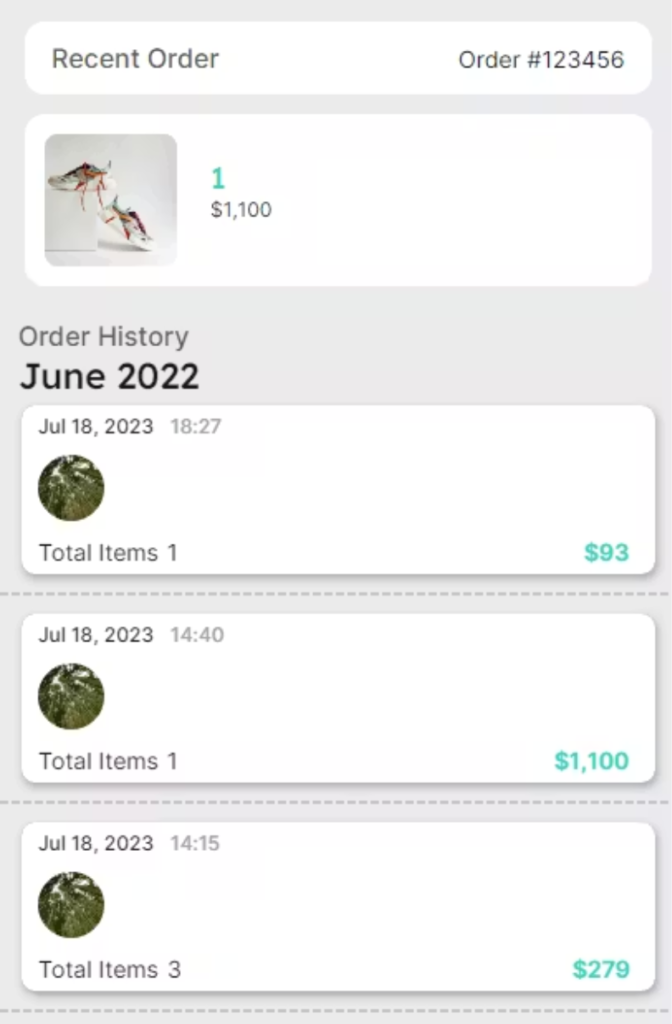
FlutterFlow is a visual app builder that generates real Flutter code behind the scenes. It allows users to drag and drop UI components, connect APIs, and manage backend logic without deep programming knowledge.
Key Highlights:
- Built on Flutter (by Google)
- Supports Firebase integration
- Generates production-ready code
- Allows custom code injection
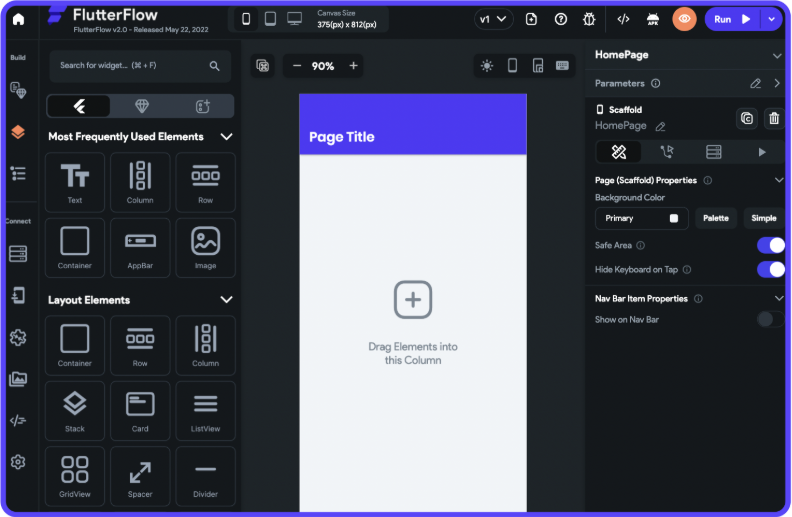
The FlutterFlow interface is divided into several sections:
| Section | Description |
|---|---|
| Widget Panel | Contains UI elements like buttons, text, images |
| Canvas Area | Main design area to build UI |
| Properties Panel | Customize widget styles and behavior |
| Backend Panel | Connect APIs, Firebase, database |
| Actions Flow | Define logic like navigation, API calls |
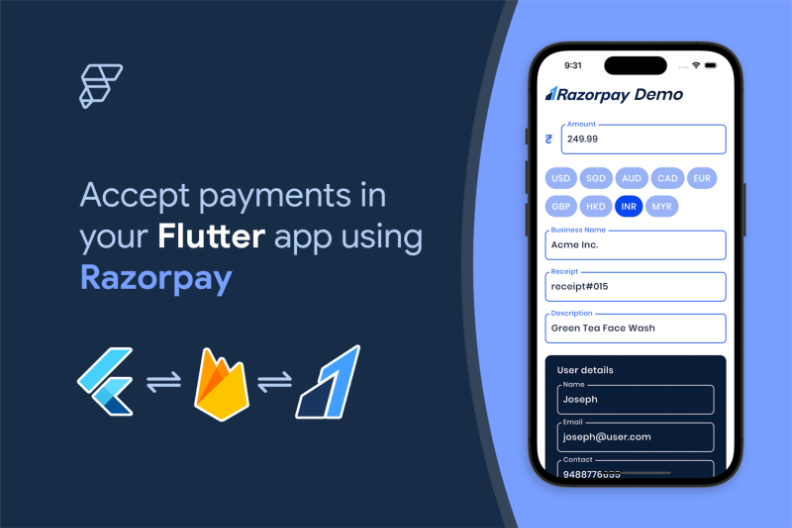
Core Features of FlutterFlow
1. Drag-and-Drop UI Builder
FlutterFlow allows you to design UI visually using pre-built widgets.
2. Firebase Integration
You can easily connect:
- Authentication
- Firestore Database
- Cloud Functions
3. API Integration
Supports REST APIs with dynamic data binding.
4. Custom Code Support
Developers can add custom Dart code when needed.
5. Code Export
You can download full Flutter source code and continue development in Android Studio or VS Code.
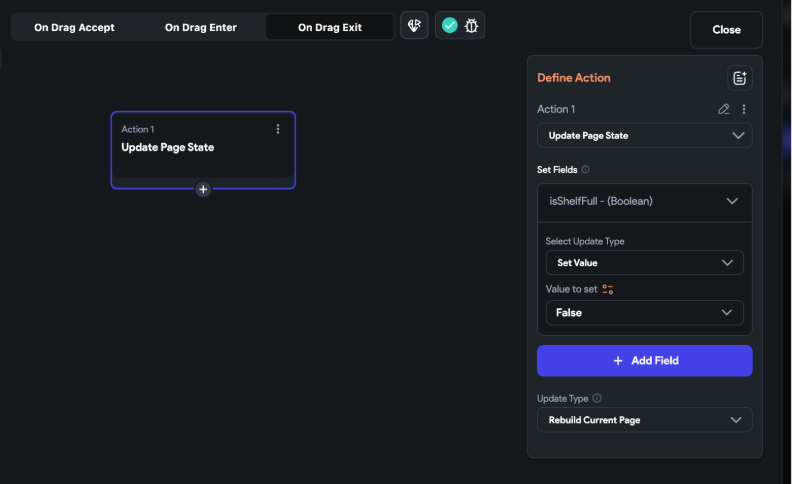
Sample Code
Conclusion
FlutterFlow helps build apps faster with modern tools and visual development.