
How to Install Docker (Step by Step)
🖥️ For Ubuntu / Linux
sudo apt update
sudo apt install docker.io -y
Check installation:
docker –version
Start Docker:
sudo systemctl start docker
sudo systemctl enable docker
🖥️ For Windows / Mac
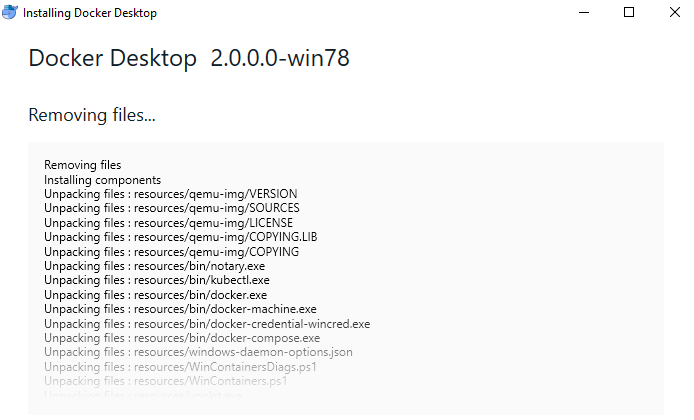
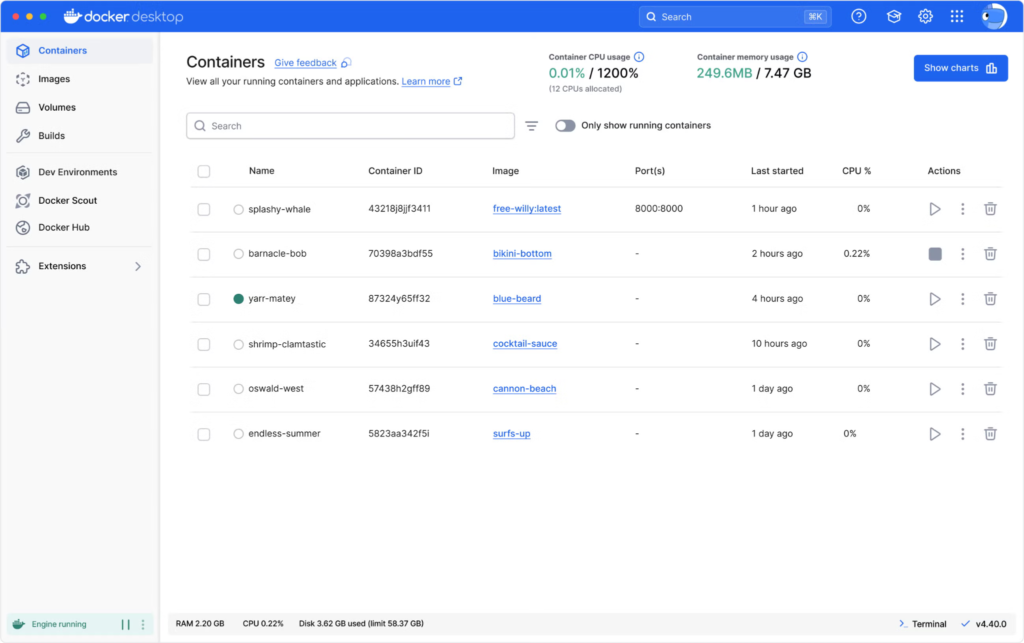
- Download Docker Desktop
- Install and restart system
- Open Docker Desktop
- Verify:
docker –version
How to Run Docker (Basic)
Run a test container:
docker run hello-world
✅ If you see a success message → Docker is working.
Important Docker Commands & Uses
| Command | Use |
|---|---|
| docker –version | Check Docker version |
| docker pull image | Download image |
| docker images | List images |
| docker ps | Running containers |
| docker ps -a | All containers |
| docker run image | Run container |
| docker stop id | Stop container |
| docker rm id | Remove container |
| docker rmi image | Remove image |
Real-Time Example (Node.js App)
📂 Project Structure
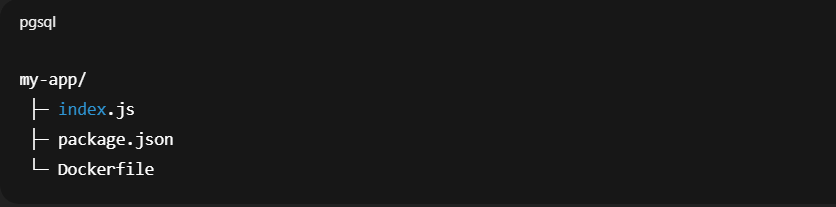
📄 index.js
const express = require(‘express’);
const app = express();
app.get(‘/’, (req, res) => {
res.send(‘Hello from Docker!’);
});
app.listen(3000, () => {
console.log(‘Server running on port 3000’);
});
📄 Dockerfile
FROM node:18
WORKDIR /app
COPY . .
RUN npm install
EXPOSE 3000
CMD [“node”, “index.js”]
▶️ Build Docker Image
docker build -t node-app .
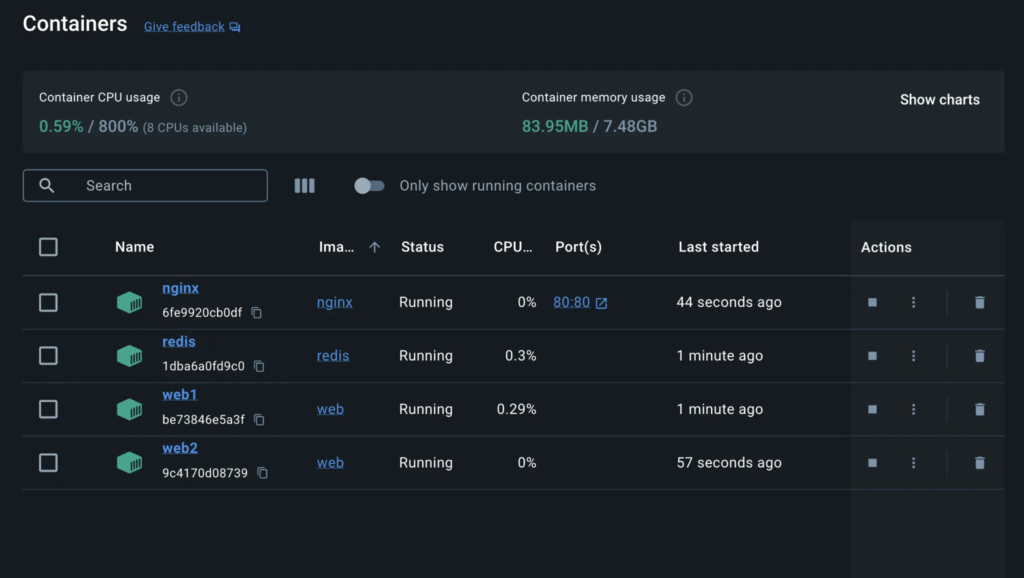
▶️ Run Docker Container
docker run -p 3000:3000 my-node-app
Open browser 👉
http://localhost:3000
Advantages of Docker
- Lightweight
- Fast deployment
- Easy scaling
- Consistent environment
- Works with CI/CD
Disadvantages of Docker
- Learning curve for beginners
- Not ideal for GUI apps
- Security needs proper configuration
- Debugging can be complex
Conclusion
In this part, we moved from theory to practical implementation.
We successfully:
- Installed Docker on different operating systems
- Verified the Docker setup
- Learned essential Docker commands
- Built and ran a real Node.js application using Docker
- Understood the advantages and limitations of Docker
Now you can confidently:
- Create Dockerfiles
- Build Docker images
- Run containers
- Manage images and containers
- Deploy containerised applications
Docker is one of the most important tools in modern DevOps and cloud development. Mastering Docker not only improves deployment efficiency but also makes you industry-ready.
If you understand both parts of this series, you now have a solid foundation in Docker.