
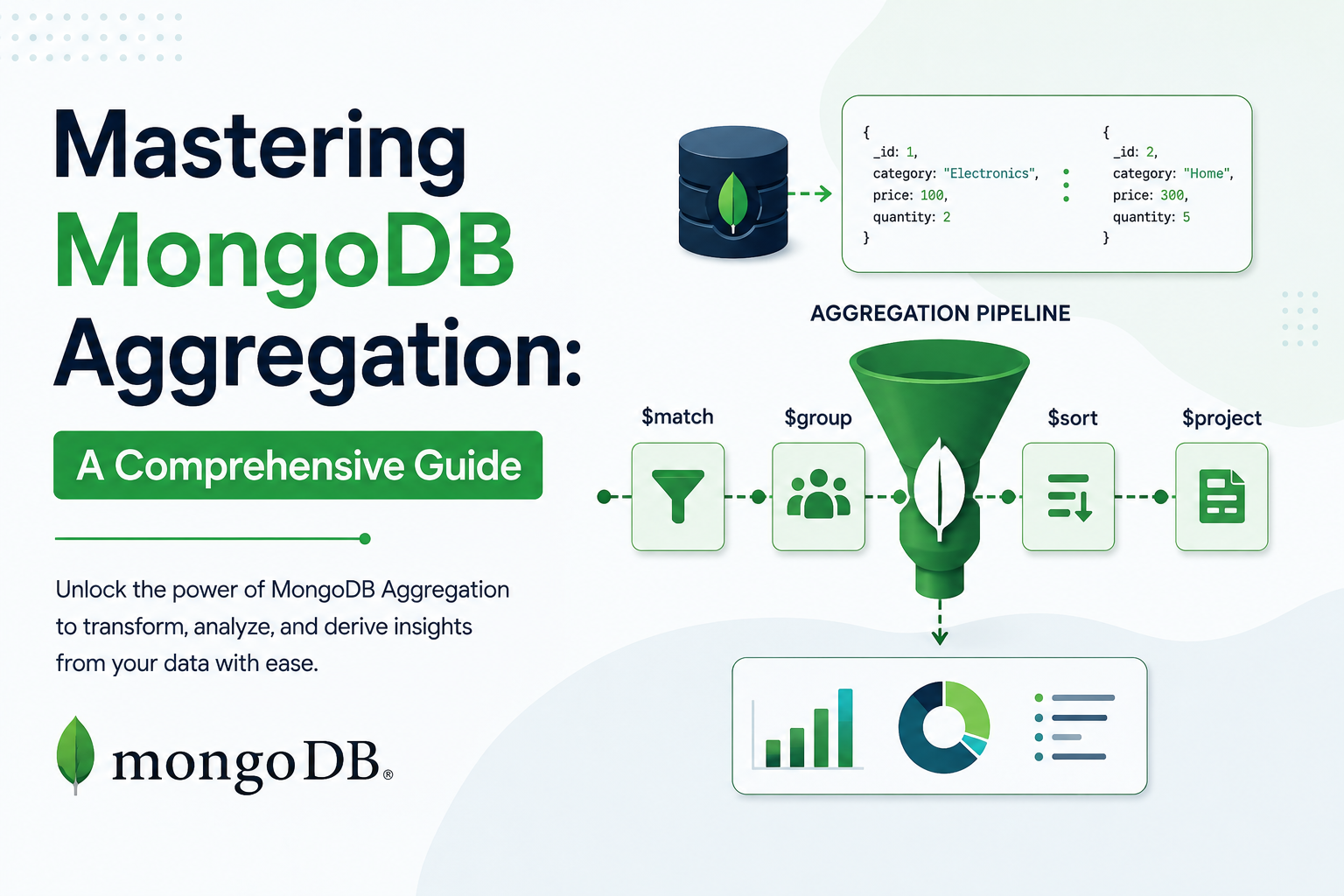
- MongoDB is a versatile NoSQL database known for its ability to manage large volumes of data efficiently and offers powerful tools for data querying and transformation. A key highlight of MongoDB is its Aggregation Framework, which enables developers to handle data processing tasks directly within the database. In this blog, we will explore the fundamentals of the MongoDB Aggregation Framework, its essential components, and practical tips for using it effectively.
What is the Aggregation Framework?
The Aggregation Framework in MongoDB is a powerful feature designed to process and transform data within a collection. It utilizes an aggregation pipeline, which consists of a series of sequential stages, each performing a specific operation or transformation on the data.
The output of one stage becomes the input for the next, enabling the creation of complex data processing workflows. With stages such as filtering, grouping, sorting, and calculating derived values, the Aggregation Framework provides a flexible and efficient way to analyse and manipulate data records, delivering computed results tailored to various requirements.
Why Use the Aggregation Framework?
The Aggregation Framework is designed for high performance and scalability, making it ideal for handling complex data processing tasks. Here are some reasons to consider using it:
1. Advanced Data Analysis
- It can perform calculations such as sum, average, minimum, maximum, and more, directly within the database.
- It supports creating complex reports like sales trends, revenue breakdowns, or user activity metrics.
2. Data Transformation
- Enables you to reshape documents, adding computed fields, filtering, or restructuring nested data.
- You can project only necessary fields or create new ones on the fly.
3. Efficient Grouping and Filtering
- It can group data by specific fields (e.g., total sales by product category) and apply filters at multiple stages.
- Reduces the need for post-processing in application code.
4. Pipeline Approach
- The pipeline structure of the aggregation framework allows data to flow through multiple transformation stages, making queries modular and easier to debug.
- Each stage performs an operation, such as filtering ($match), grouping ($group), or sorting ($sort).
5. Better Performance
- By processing data within the database, aggregation minimizes the need to transfer large datasets to the application layer.
- Operations are optimized for the database engine, leveraging indexes where possible.
6. Handling Large Datasets
- The framework is designed to work efficiently with large datasets, enabling computations that would otherwise be resource-intensive or impossible in application code.
- Features like $out and $merge let you save the results directly into collections for further analysis.
7. Flexibility
- Combines multiple operations in a single query, reducing the complexity of code and potential errors.
- Supports sophisticated operations, such as
- $lookup for joining collections.
- $unwind for processing arrays within documents.
8. Rich Functionality
- Advanced operators like $arrayElemAt, $dateFromString, and $regexMatch offer high-level processing capabilities.
- Supports geospatial queries, text search, and facet-based pipelines for parallel processing.
9. Real-Time Aggregation
- Ideal for dashboards or reports that require up-to-date metrics.
- Examples: Top-selling products, customer analytics, or monitoring application performance.
10. Reducing Application Complexity
- Moves logic from application code to the database, making the application simpler, faster, and easier to maintain.
- Avoids repetitive coding for operations like filtering and sorting.
Key Concepts in Aggregation
The Aggregation Framework uses a pipeline concept where data passes through multiple stages, each performing a specific operation. Here are the main components:
1. Pipeline
A pipeline is an array of stages that process documents. Each stage applies a transformation and passes the output to the next stage.
Example:-
[
  { "$match": { "status": "active" } },
  { "$group": { "_id": "$category", "total": { "$sum": 1 } } }
]
2. Stages
Stages represent individual operations in the pipeline. Some commonly used stages include:
We have below Payload For Aggregation pipeline :
[
  { "product": "Laptop", "category": "Electronics", "price": 1000, "quantity": 2 },
  { "product": "Phone", "category": "Electronics", "price": 500, "quantity": 5 },
  { "product": "Shirt", "category": "Apparel", "price": 30, "quantity": 10 }
]- $match:
The $match stage in MongoDB filters documents based on specified criteria, similar to the WHERE clause in SQL. It is commonly used in an aggregation pipeline to filter documents before further processing.
Example: Using $match in Aggregation
To filter data based on the category field, we can use the $match stage in the aggregation pipeline
db.collection.aggregate([
  {
    $match: { category: "Electronics" }
  }
])
Output:
[
  { "product": "Laptop", "category": "Electronics", "price": 1000, "quantity": 2 },
  { "product": "Phone", "category": "Electronics", "price": 500 }
]- $sort:
The $sort stage in MongoDB sorts documents in ascending or descending order based on specified fields.
Example: Using $sort in Aggregation Pipeline
Sorts documents by the price field in descending order (-1 for descending, 1 for ascending).
The below query will return the documents sorted by price from highest to lowest.
db.collection.aggregate([
  {
    $sort: { price: -1 } // Sort by price in descending order
  }
])
Output:
[
  { "product": "Laptop", "category": "Electronics", "price": 1000, "quantity": 2 },
  { "product": "Phone", "category": "Electronics", "price": 500, "quantity": 5 },
  { "product": "Shirt", "category": "Apparel", "price": 30, "quantity": 10 }
]- $group:
The $group stage in MongoDB groups documents by a specified key and performs aggregations such as sum, average, count, and more.
Example: Using $group in Aggregation
To calculate total sales by product category, we can use the $group stage in the aggregation pipeline.
db.sales.aggregate([
  {
    $group: {
      _id: "$category",
      totalSales: { $sum: { $multiply: ["$price", "$quantity"] } }
    }
  },
  { $sort: { totalSales: -1 } }
]);
Output:
[
  { "_id": "Electronics", "totalSales": 3500 },
  { "_id": "Apparel", "totalSales": 300 }
]- $project:
The $project stage in MongoDB reshapes documents to include or exclude specific fields. It allows us to control which fields are returned in the output.
Example: Using $project to Include Specific Fields
To include only the product and price fields from the provided payload:
db.collection.aggregate([
  {
    $project: {
      product: 1,
      price: 1,
      _id: 0 // Exclude the default `_id` field
    }
  }
])
$project: Reshapes the document by including the product and price fields.
1: Includes the field.
0: Excludes the field (e.g., _id is excluded).
Output:
[
  { "product": "Laptop", "price": 1000 },
  { "product": "Phone", "price": 500 },
  { "product": "Shirt", "price": 30 }
]- $lookup
The $lookup stage in MongoDB performs a join operation between two collections, similar to SQL joins. It allows you to combine data from multiple collections based on a specified field.
Example: Using $lookup
Suppose we have two collections:
1. Products Collection (example payload):
[
  { "product": "Laptop", "category": "Electronics", "price": 1000, "quantity": 2 },
  { "product": "Phone", "category": "Electronics", "price": 500, "quantity": 5 },
  { "product": "Shirt", "category": "Apparel", "price": 30, "quantity": 10 }
]
2. Categories Collection:
[
  { "category": "Electronics", "description": "Devices and gadgets" },
  { "category": "Apparel", "description": "Clothing and accessories" }
]
We can join the Products collection with the Categories collection based on the category field.
db.products.aggregate([
  {
    $lookup: {
      from: "categories",       // Collection to join
      localField: "category",   // Field from the products collection
      foreignField: "category", // Field from the categories collection
      as: "categoryDetails"     // Alias for the joined data
    }
  }
])
Output:
[
  {
    "product": "Laptop",
    "category": "Electronics",
    "price": 1000,
    "quantity": 2,
    "categoryDetails": [
      { "category": "Electronics", "description": "Devices and gadgets" }
    ]
  },
  {
    "product": "Phone",
    "category": "Electronics",
    "price": 500,
    "quantity": 5,
    "categoryDetails": [
      { "category": "Electronics", "description": "Devices and gadgets" }
    ]
  },
  {
    "product": "Shirt",
    "category": "Apparel",
    "price": 30,
    "quantity": 10,
    "categoryDetails": [
      { "category": "Apparel", "description": "Clothing and accessories" }
    ]
  }
]
$lookup: Performs a join between the products collection and the categories collection.
localField: The field in the products collection used for the join.
foreignField: The field in the categories collection to match.
as: Specifies the alias for the joined data.
- $unwind
The $unwind stage in MongoDB deconstructs an array field from the documents into multiple documents. This is useful when you have an array and you want to flatten it, producing one document per element of the array.
Example: Using $unwind
Let’s say we have a collection where the products field contains an array of product objects, and you want to deconstruct that array into individual documents.
In this example, the products field is an array, and we want to deconstruct it so each product appears in a separate document.
db.orders.aggregate([
  {
    $unwind: "$products" // Deconstructs the `products` array field
  }
])
Output:
[
  {
    "_id": 1,
    "order": "A123",
    "products": { "product": "Laptop", "category": "Electronics", "price": 1000, "quantity": 2 }
  },
  {
    "_id": 1,
    "order": "A123",
    "products": { "product": "Phone", "category": "Electronics", "price": 500, "quantity": 5 }
  },
  {
    "_id": 2,
    "order": "B456",
    "products": { "product": "Shirt", "category": "Apparel", "price": 30, "quantity": 10 }
  }
]
Conclusion
MongoDB aggregation is a powerful tool that enables developers to unlock the full potential of their data. By leveraging the aggregation pipeline, you can efficiently process, transform, and analyze data to gain actionable insights. From basic operations like filtering and grouping to advanced features like $lookup , MongoDB’s aggregation framework provides immense flexibility and performance for complex queries.
Mastering these techniques empowers developers to handle real-world data challenges with ease, making MongoDB a preferred choice for modern, data-driven applications. Whether you’re building dashboards, generating reports, or crafting advanced data pipelines, understanding aggregation is key to unleashing the true capabilities of MongoDB.
Dive deeper, experiment, and let MongoDB aggregation transform the way you work with data!